

Dining room service
Full-Service Restaurants
Floor maps, waiter tablets, table checks, kitchen timing, guest history, and manager visibility for restaurants where the room drives revenue.
Explore Full-Service RestaurantsInstead of one generic restaurant page, WDPW now has solution routes for dining rooms, quick-service counters, branch groups, and delivery-first kitchens.
4
solution paths
Role
based stacks
Tablet
first demos
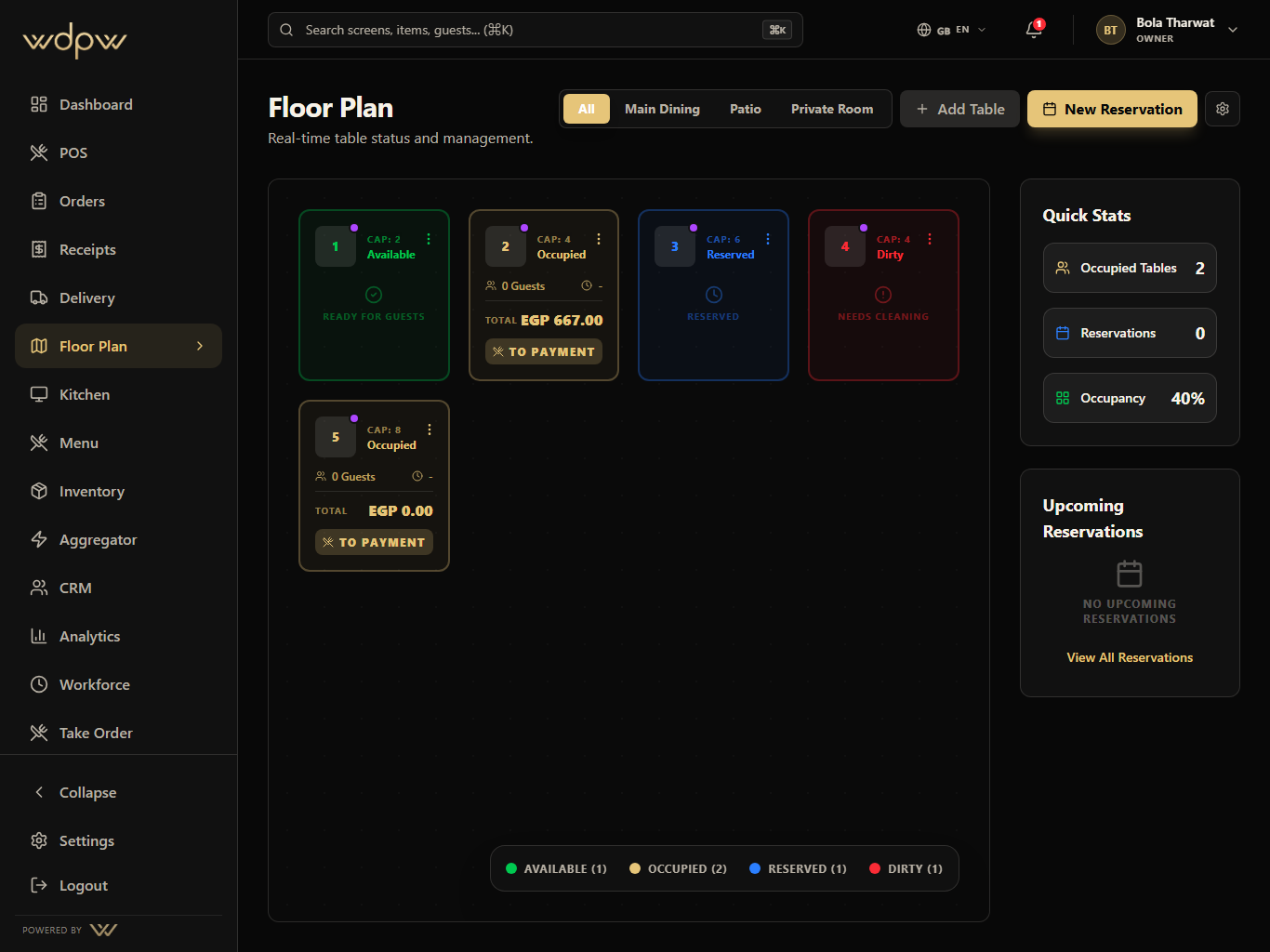
Dining room service
Floor maps, waiter tablets, table checks, kitchen timing, guest history, and manager visibility for restaurants where the room drives revenue.
Explore Full-Service RestaurantsCounter speed
Fast counter POS, QR pickup, stock-aware menus, cashier controls, receipts, and daily reporting for high-throughput service.
Explore Quick-Service and CafesCentral control
Central menu, branch reports, role permissions, CRM, workforce, inventory, and aggregator visibility for restaurant groups.
Explore Multi-Branch GroupsAggregator operations
Marketplace order intake, PLU mapping, availability sync, KDS production, delivery status, and channel reporting for kitchens built around off-premise demand.
Explore Delivery-First KitchensPOS, waiter tablet, QR, web, and delivery orders enter one operating model.
Kitchen, cashier, delivery, and floor teams see the right next action.
Stock, guest profile, table state, and delivery channel status update behind the scenes.
Owners get branch, sales, labor, stock, menu, and channel reports from real service data.