

Menu
Waiters get a focused ordering surface for the table.
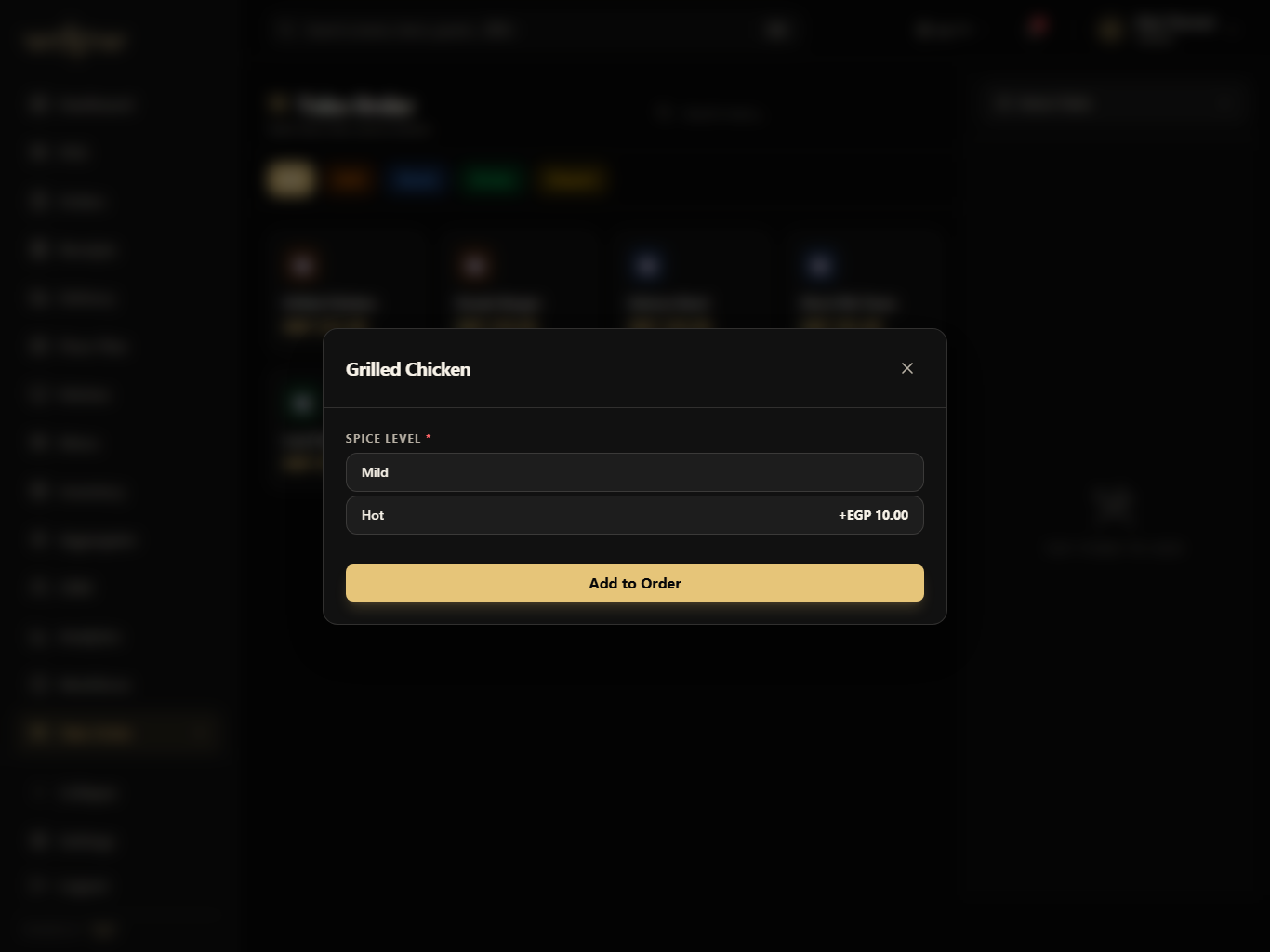
Categories, product cards, search, quantities, and item notes keep tableside entry fast on an iPad.
Category browse
Product cards
Item notes
A tablet ordering flow for waiters plus QR-connected table service that sends structured tickets into POS, KDS, and order history.
Table
linked carts
Fast
menu browse
KDS
direct send
The waiter screen is optimized for iPad: menu categories, item cards, table selection, and a running ticket without forcing staff into desktop layouts.
Table
linked carts
Fast
menu browse
KDS
direct send
Select table
Browse menu
Add notes
Send ticket
Track status
These are the smaller features hiding inside QR & waiter: the controls buyers ask about after they understand the headline module.
Menu
Categories, product cards, search, quantities, and item notes keep tableside entry fast on an iPad.
Category browse
Product cards
Item notes
Each QR & waiter module pairs the primary screen with deeper app states, captured in iPad landscape with the WDPW site palette applied.
Touch-friendly menu categories and product cards
WhatsApp ordering — guests order from a WhatsApp chat
Table selection and room context
Cart management for tableside ordering
QR order compatibility with cashier pickup codes
Kitchen notes and quantity controls
Shared product and availability source
A live table map for occupancy, reservations, active checks, QR codes, waiter handoff, and dining room control.
View moduleA production screen for preparing, ready, and completed orders with timers, station focus, source labels, and ready-for-pickup handoff.
View moduleUnify dine-in, takeaway, QR, waiter, web, and delivery orders into one operational history with status filters and handoff controls.
View moduleGuest profiles, loyalty points, member tiers, visit history, rewards, and customer context connected to real restaurant orders.
View moduleGuests scan a table or counter QR code to open the menu in their browser, order, and pay by card or wallet online via Paymob — no app to install. Orders route straight to the kitchen.
Yes. Guests can order and book tables over WhatsApp — by text or Arabic voice note — from the Growth plan up.
Yes. A self-ordering kiosk lets guests order and pay themselves, which relieves the counter at peak. Kiosk ordering is available from the Starter plan.
Yes. Waiters take orders tableside on a tablet and send them straight to the kitchen display, using the same system as QR orders.